
Watch hours
Your live stream counts
Public live streams saved to your channel count toward YPP watch hours. What counts, what doesn't, and why you should think twice before deleting old lives.


Live streams are one of the most overlooked ways to build watch hours. A public live that's saved to your channel counts toward the YouTube Partner Program the same way a public long video does.
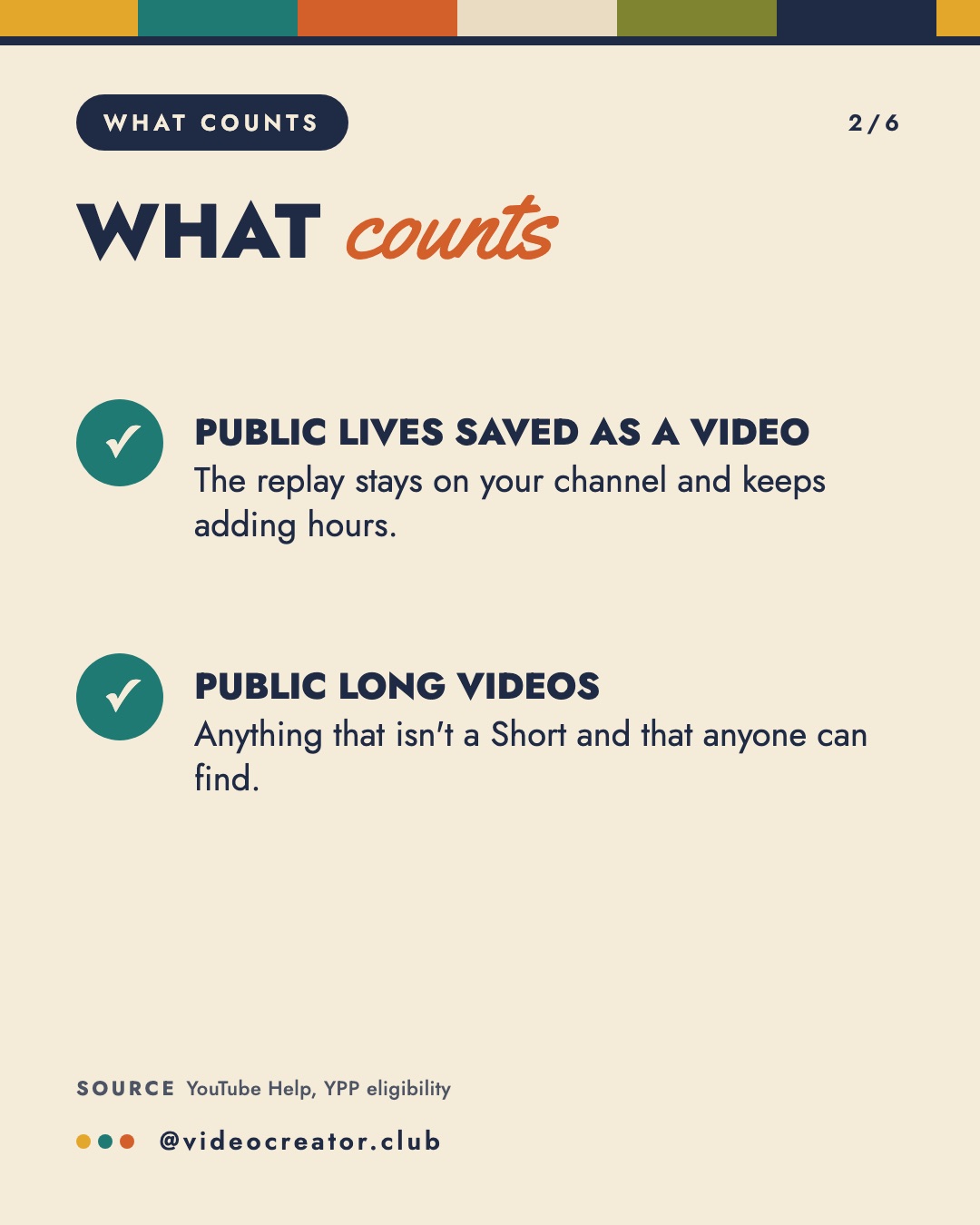
What counts
- Public live streams saved as a video. The replay stays on your channel and keeps adding hours.
- Public long videos. Anything that isn't a Short and that anyone can find.
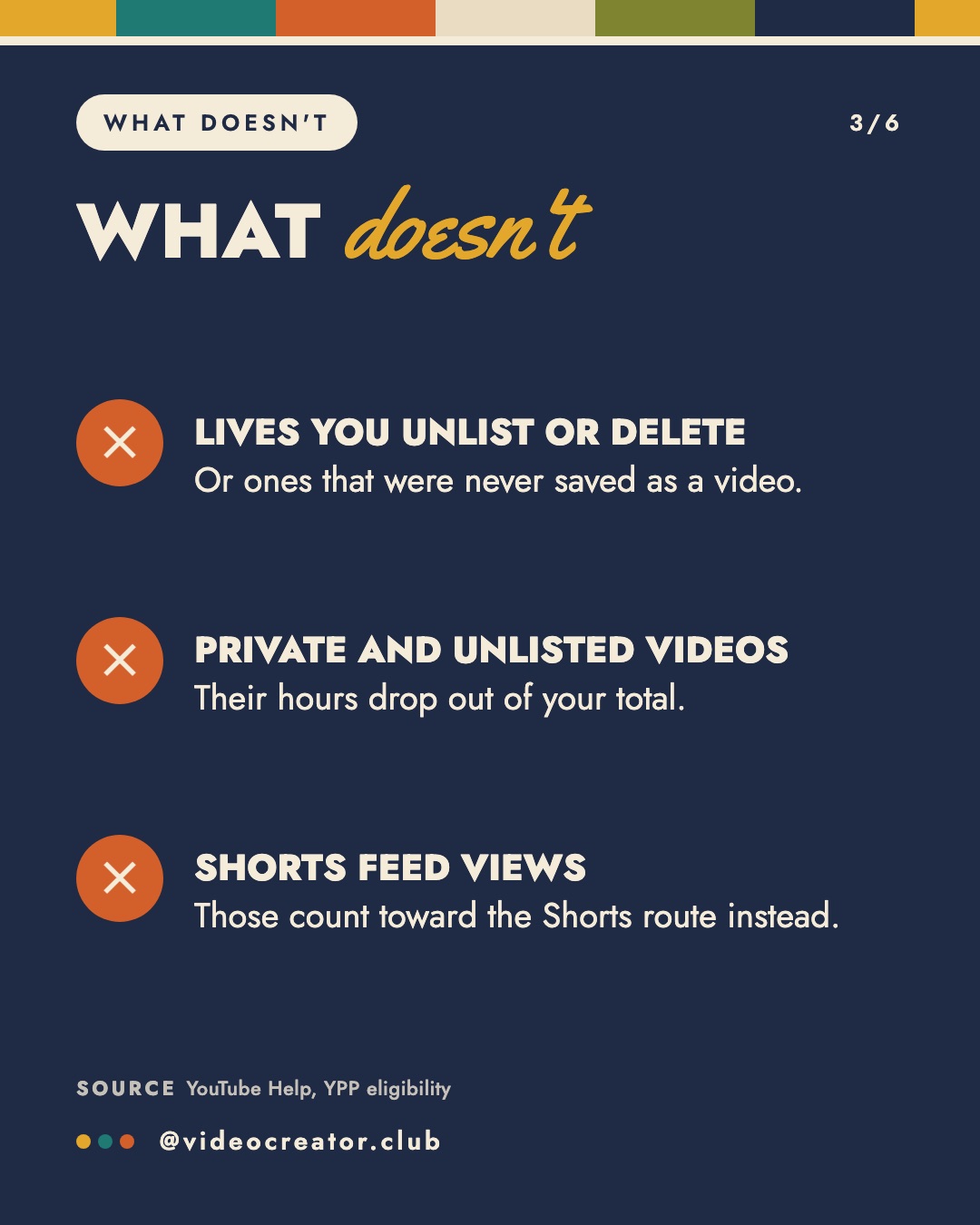
What doesn't
- Lives you unlist or delete, or lives that were never saved as a video.
- Private and unlisted videos. Their hours drop out of your total.
- Shorts feed views. Those count toward the Shorts route instead.
The lowest-edit hours you'll get
There's no edit and no export. You go live, the replay saves to your channel, and it keeps counting for as long as it stays public. YouTube archives live streams under 12 hours automatically; a stream longer than that may not be saved at all.
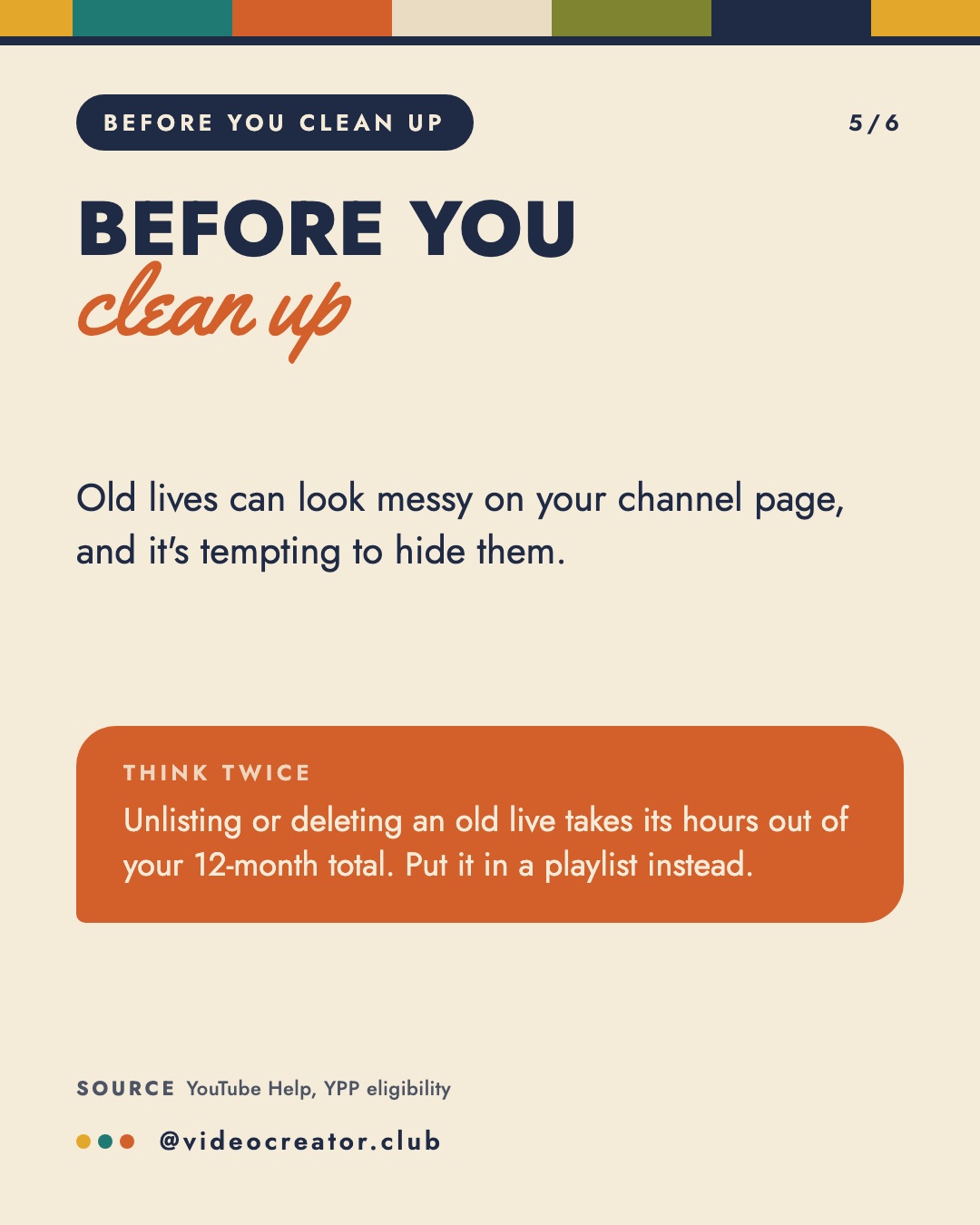
Before you clean up
Old lives can look messy on your channel page, and it's tempting to hide them. Unlisting or deleting an old live takes its hours out of your 12-month total. Put them in a playlist instead, so they're tidy and still counting.
Sources
By Marielou Mandl, founder of Video Creator Club. This post started as a carousel on @videocreator.club.