Your setup
There's no learning Ecamm
Start with what your show needs, not with the software. The short list a video podcast needs, and everything that can wait until later.
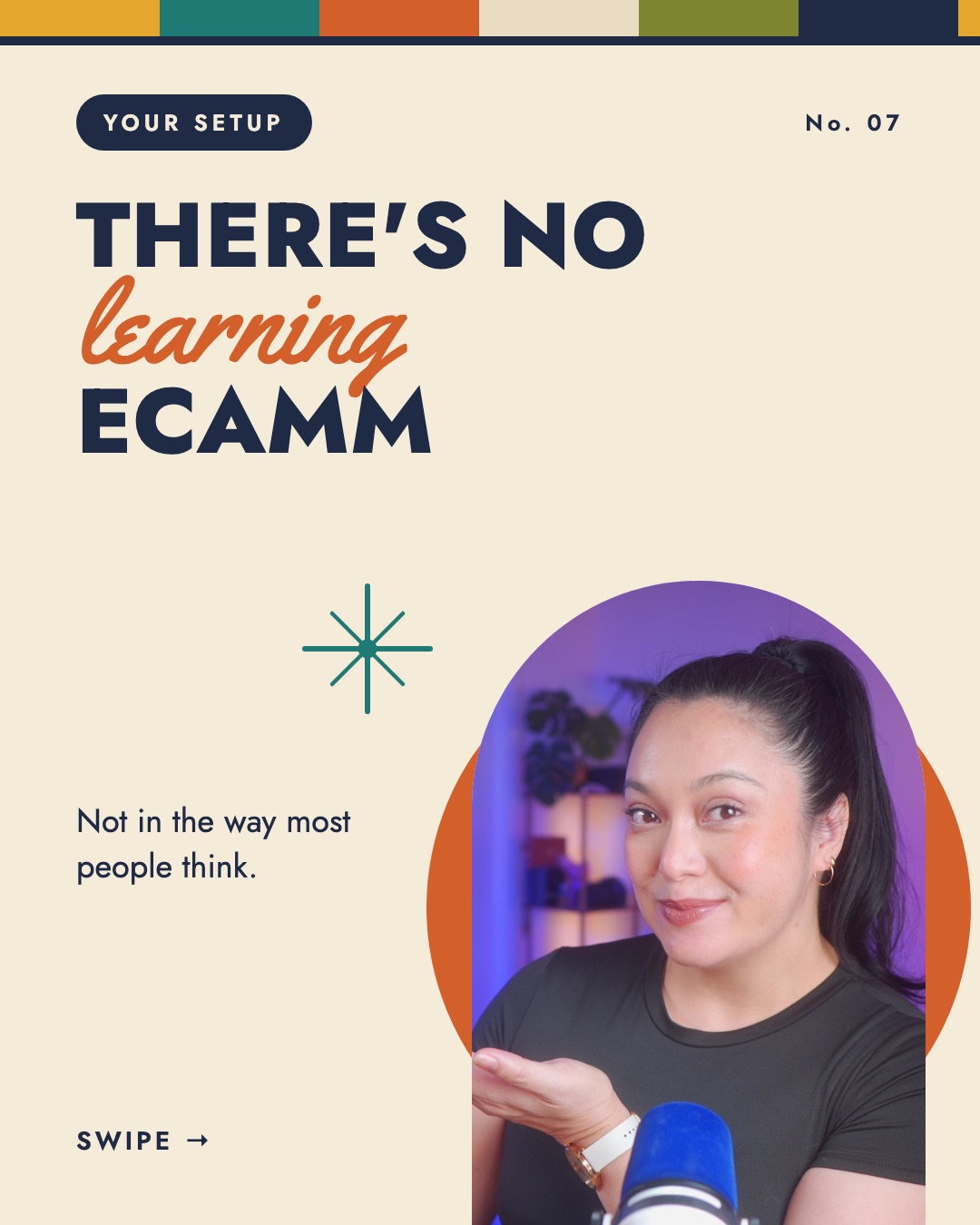
There really is no learning Ecamm, not in the way most people think. People tell me they need to learn the software before they can start their show, and that order is how they end up never publishing.
So, let's start with your show, not the software.
Marielou
What a video podcast needs
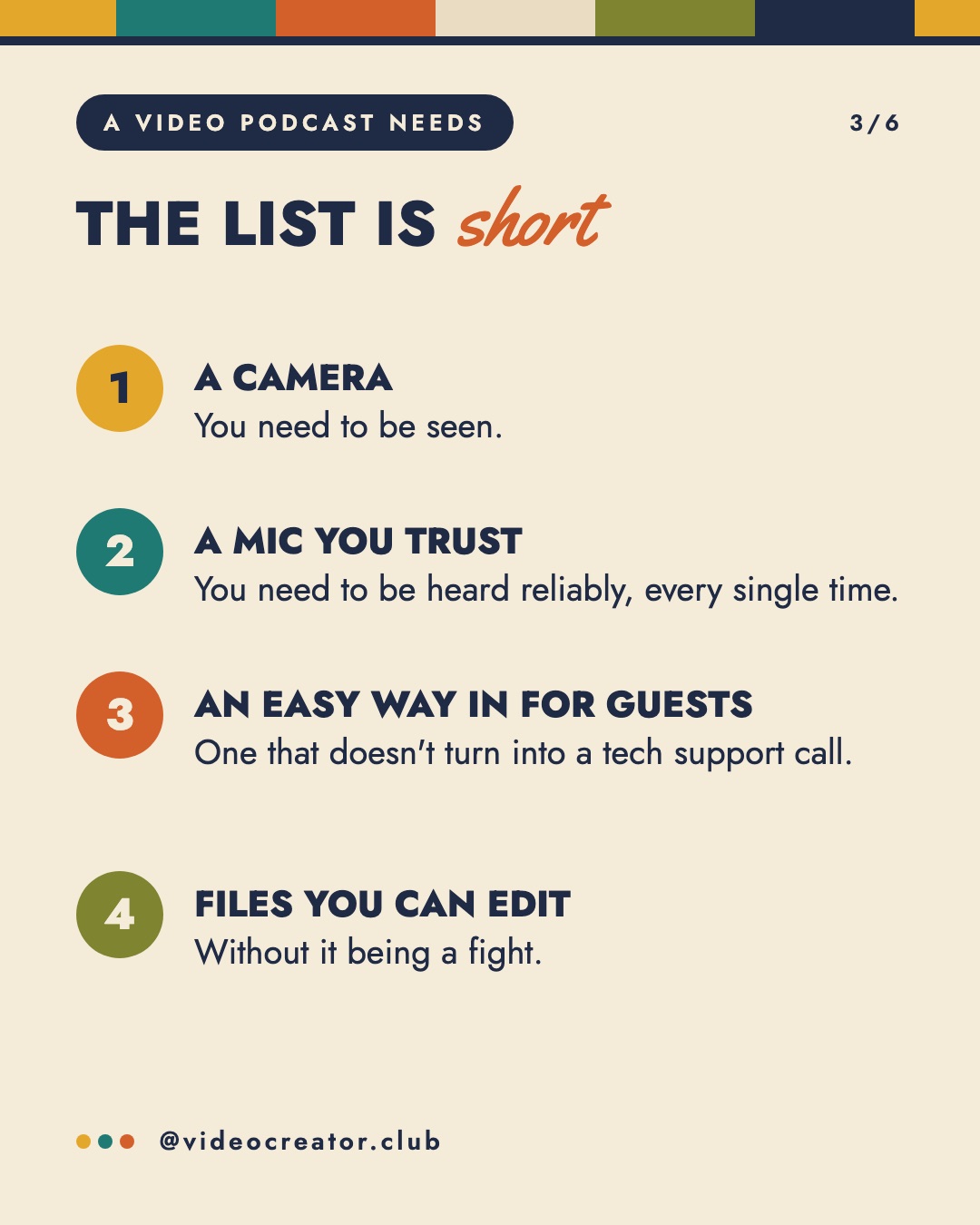
The list is short.
- A camera, because you need to be seen.
- A microphone you trust, because you need to be heard reliably, every single time.
- An easy way in for guests, one that doesn't turn into a tech support call.
- Files you can edit without it being a fight.
What can wait
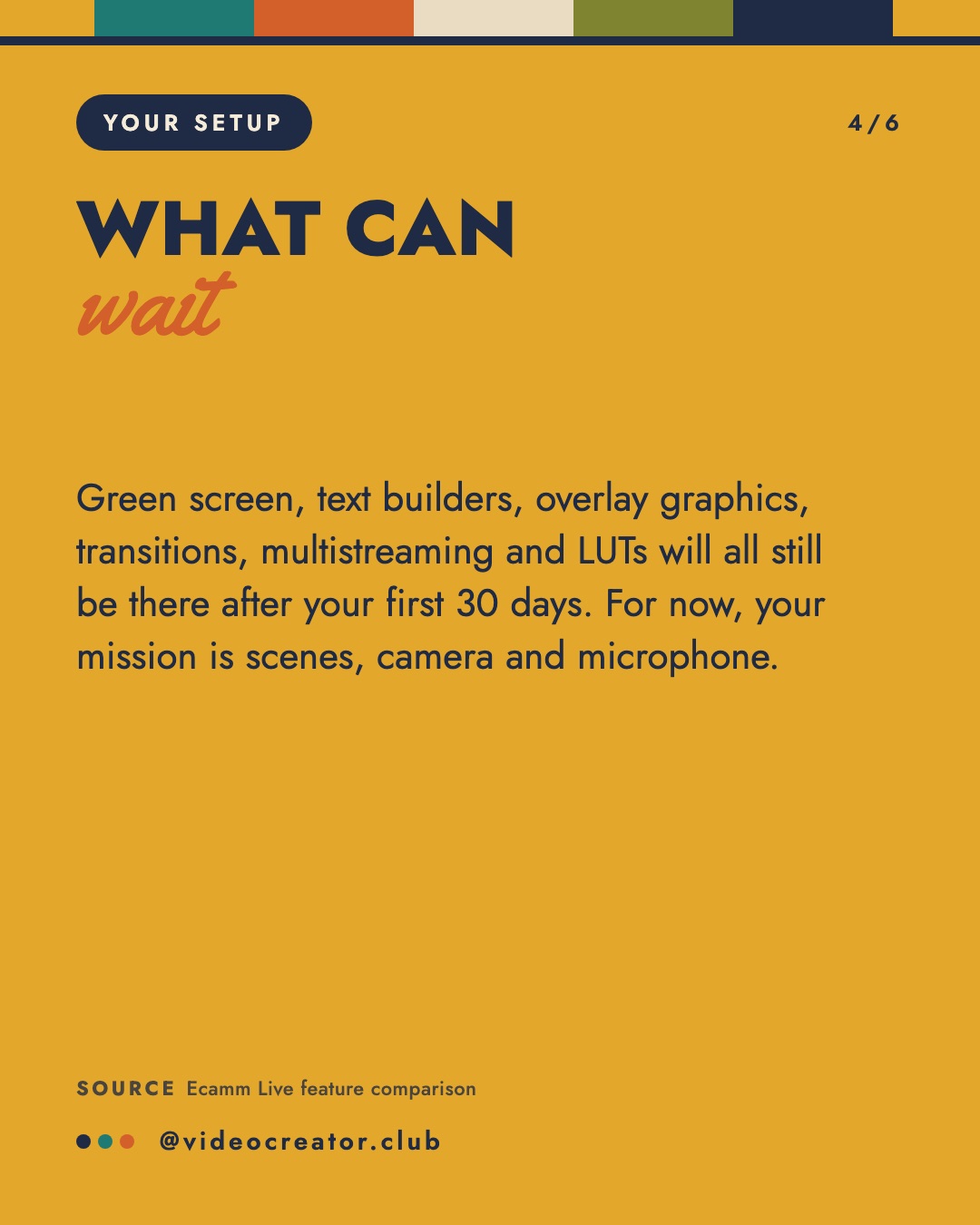
Green screen, text builders, overlay graphics, transitions, multistreaming and LUTs will all still be there after your first 30 days. If you don't know what some of those are yet, that's fine. For now, your mission is scenes, camera and microphone.
If we start getting stuck into trying to learn Ecamm, then you're going to get stuck, not publishing. I'd rather you just start publishing, and then you'll learn things on the way.
Marielou
That's how I learned it too.
Full disclosure: I'm an Ecamm affiliate, and I've been a paying customer for years.
Sources
By Marielou Mandl, founder of Video Creator Club. This post started as a carousel on @videocreator.club.